Introduction
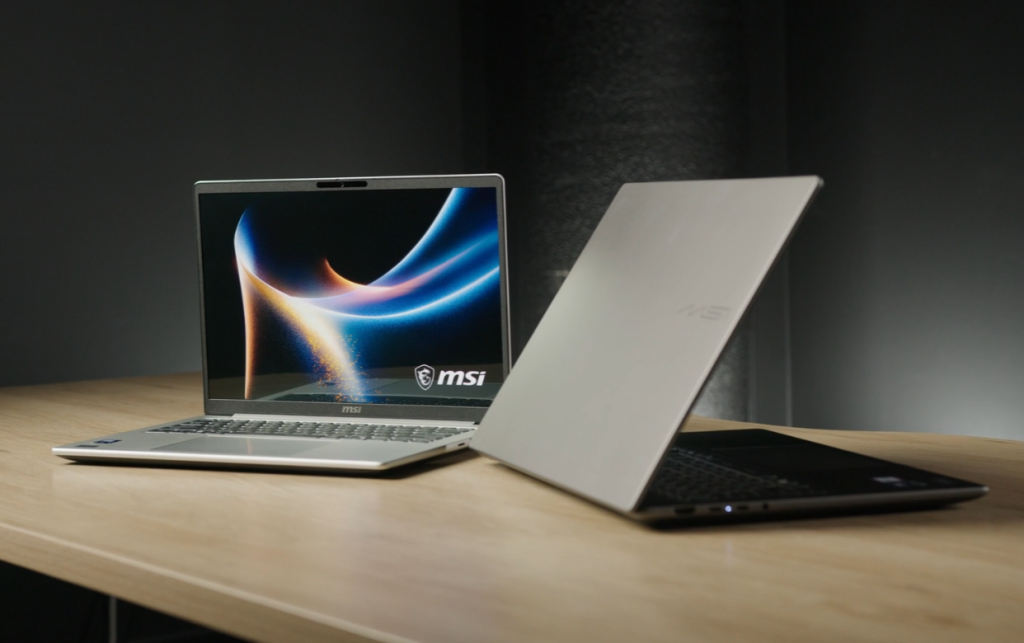
In the ever-evolving landscape of thin and light productivity machines, MSI introduces two compelling contenders: the Modern 16S AI+ and the Modern 14S AI+. These laptops are designed to cater to professionals and creators who demand a blend of sleek aesthetics, robust performance, and cutting-edge AI capabilities. While sharing a remarkable amount of core DNA, their subtle differences in form factor are crucial for determining which machine best integrates into your daily workflow. This comprehensive review will delve into their build quality, performance, display, battery life, software, and overall value, helping you make an informed decision.
Unboxing Experience: Simplicity and Efficiency
The unboxing experience for both the Modern 16S AI+ and Modern 14S AI+ is designed for simplicity and efficiency. Upon opening the box, users are immediately greeted by the laptop itself, with manuals and the power adapter neatly tucked beneath. This minimalist approach reflects the productivity-focused nature of these machines, ensuring a quick and straightforward setup.
Build Quality and Design: Premium, Portable, and Professional
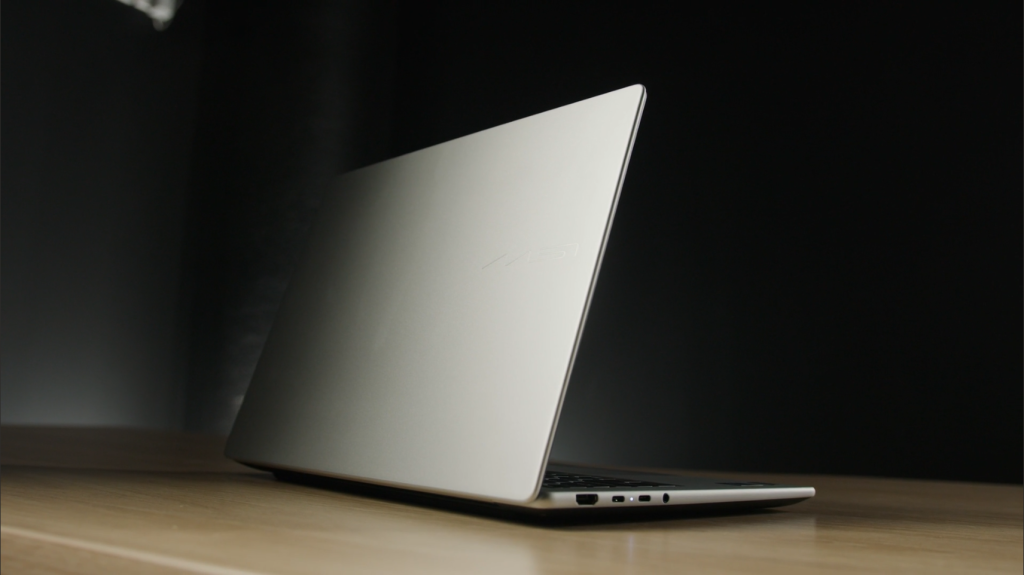
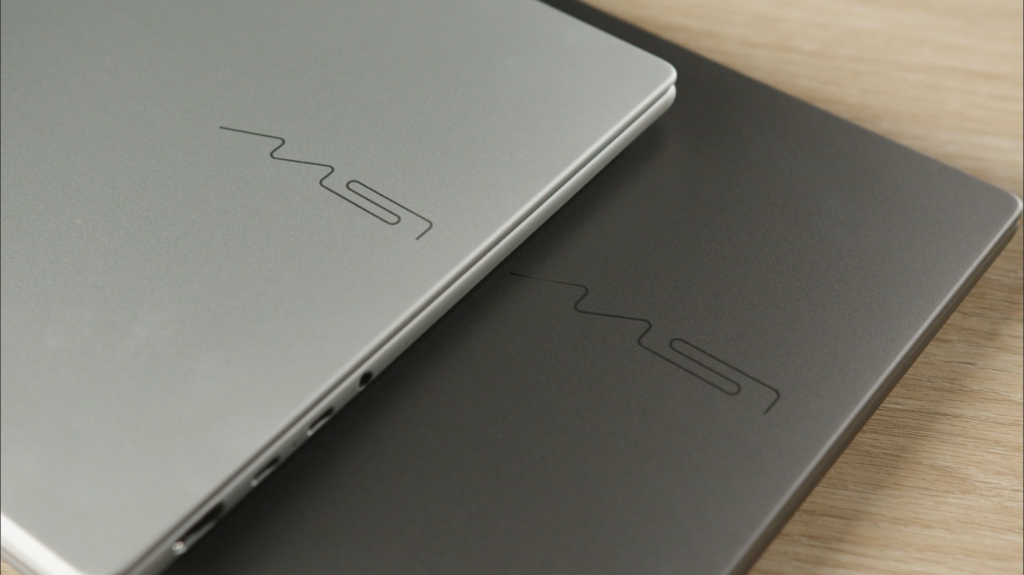
Both the Modern 16S AI+ and Modern 14S AI+ boast a premium aluminum alloy design, featuring metal construction on both the lid and keyboard deck. This immediately places them in a solid category for professional ultrabooks, eschewing the plasticky feel often associated with budget machines. The tactile experience is one of quality and refinement, a crucial factor for users who carry their laptops daily. MSI has opted for a clean, minimal aesthetic, with subtle branding that aligns with their Modern line’s focus on professionals and creators, rather than the flashy, aggressive styling found in gaming laptops.
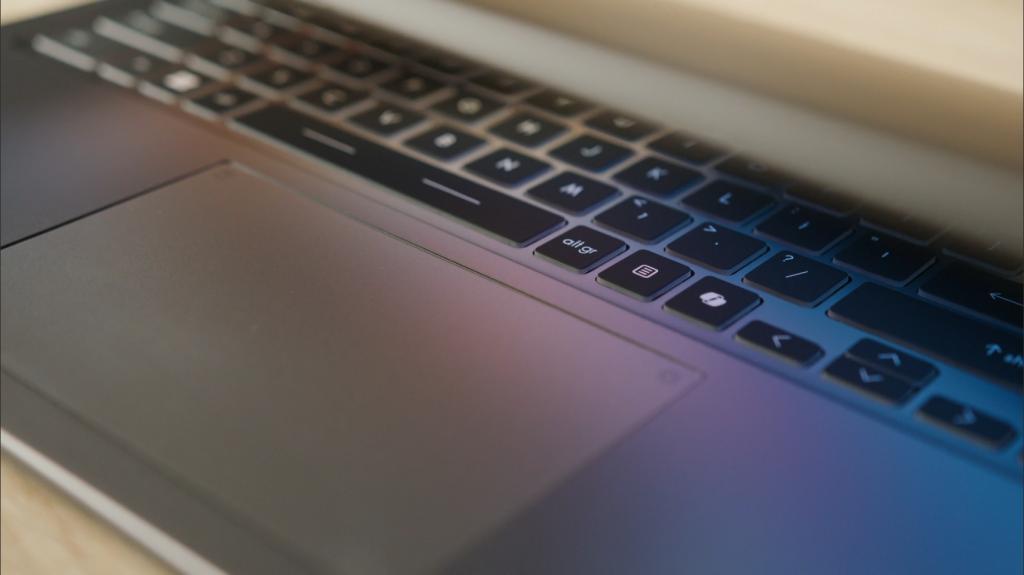
Despite measuring as little as 11.1mm at their thinnest point, both systems feel remarkably solid in hand, maintaining a lightweight and portable design. MSI has also introduced a velvet-touch, smudge-resistant keyboard design, which not only reduces visible fingerprints but also enhances the typing experience. The touchpad has been enlarged by 17% compared to the previous generation, providing ample space for gestures, scrolling, and everyday navigation. Furthermore, both laptops feature a 180-degree lay-flat hinge, facilitating easier collaboration and content sharing in various professional settings.
Core Differences: Size and Workflow Integration
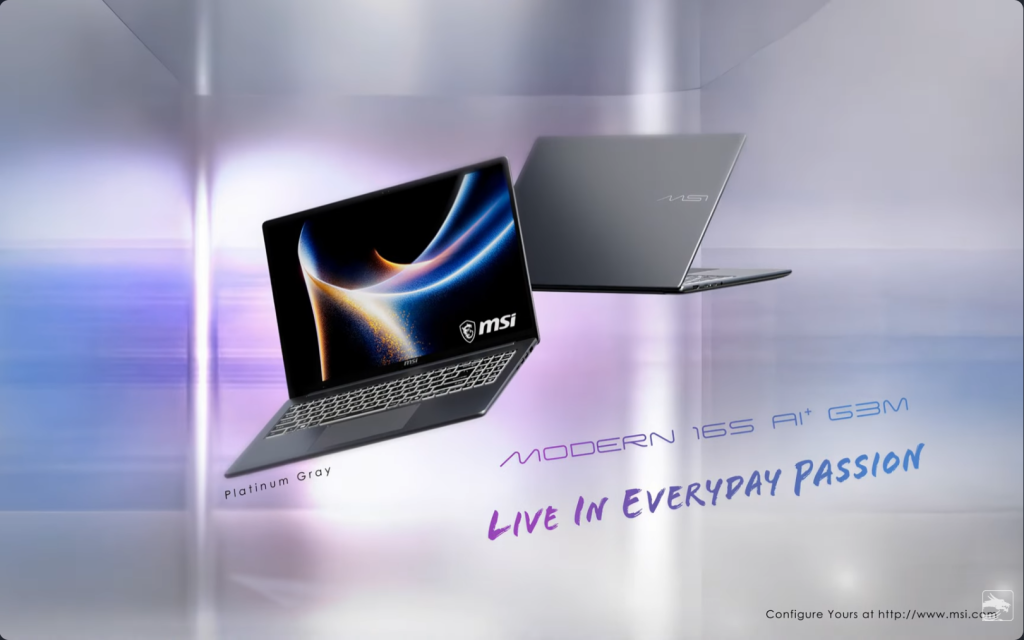
The fundamental distinction between these two machines lies in their screen size, chassis dimensions, weight, and ultimately, how they integrate into your daily workflow. The Modern 16S AI+ features a 16-inch display, while the Modern 14S AI+, as its name suggests, is a 14-inch machine. The 16S weighs approximately 1.59 kg with the OLED panel, and the 14S comes in at around 1.38 kg. It is noteworthy that MSI has managed to keep the weight difference relatively small despite the variation in screen size, showcasing impressive engineering.
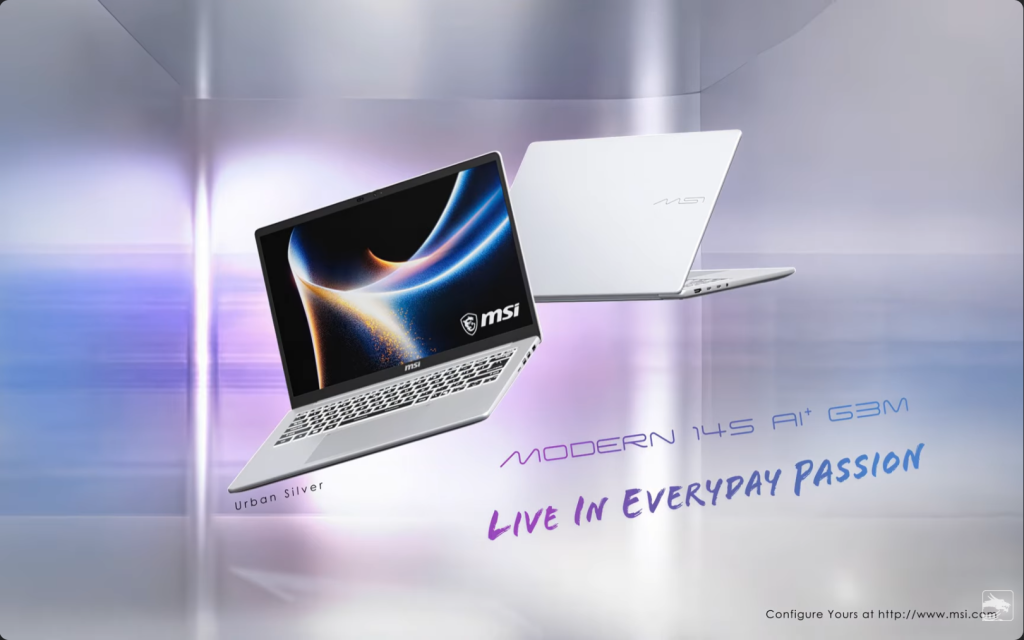
However, even small real-world differences in footprint between a 16-inch and a 14-inch chassis become noticeable when a laptop is carried daily. The choice here hinges on your primary use case: whether you prioritize a larger screen for a fixed workspace or enhanced portability for frequent travel.
Performance: AI-Powered Productivity with Intel Core Ultra 7
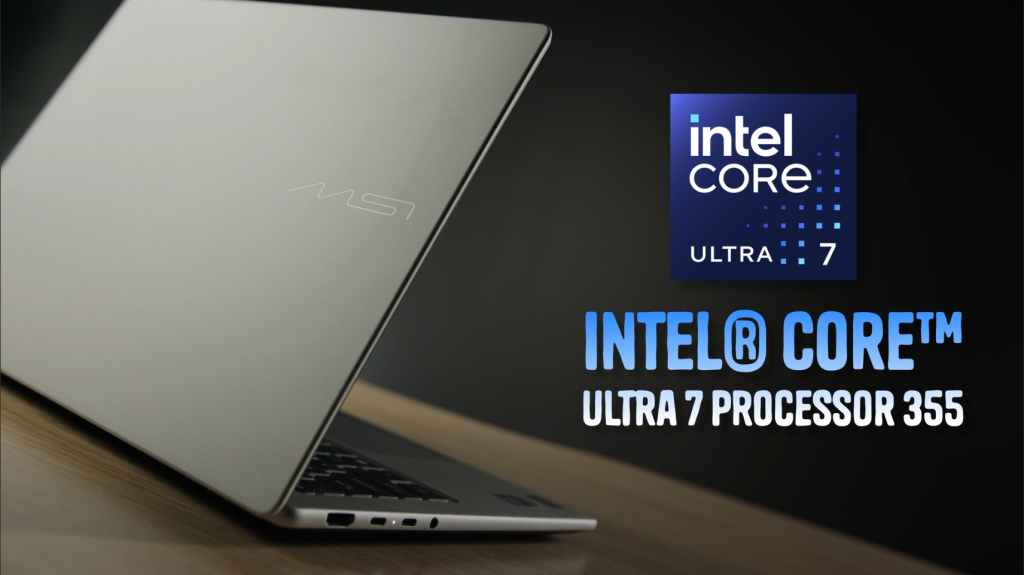
Both the Modern 16S AI+ and Modern 14S AI+ are powered by the Intel Core Ultra 7 355 processor, a Panther Lake era chip that qualifies them as Copilot Plus PCs. This is where these machines truly shine, as the Core Ultra 7 355 integrates a highly capable Neural Processing Unit (NPU) delivering over 40 TOPS of AI processing power. This is not merely a marketing gimmick; it translates into tangible real-world benefits for AI-powered features, which are processed locally on the NPU, offering enhanced privacy for professionals.
Graphics are handled by Intel’s integrated solution, making it clear that these are not gaming machines. However, for productivity workloads, video conferencing, creative tasks, light photo and video editing, and general professional use, the Core Ultra 7 355 is more than capable. Both machines ship with 16GB of DDR5 SO-DIMM RAM and a 512GB M.2 NVMe PCIe Gen 4 drive. A significant advantage is their upgradability: unlike many modern AI PCs with soldered memory, both models feature two DDR5 SO-DIMM memory slots and a PCIe Gen4 M.2 SSD slot, offering greater flexibility for future upgrades and easier long-term maintenance.
Display: OLED Brilliance for Both Sizes
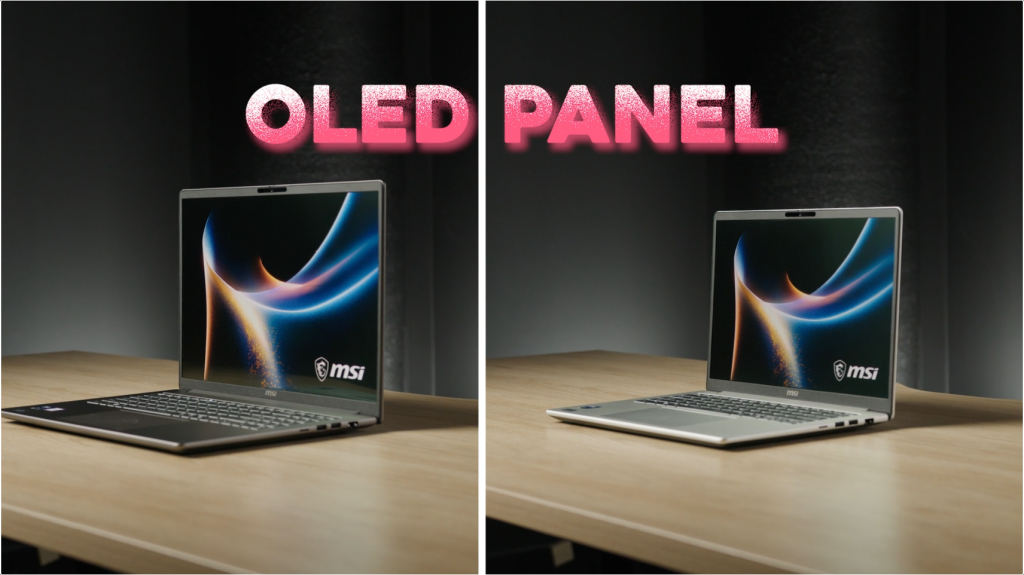
One of the most impressive shared features is the display. Both laptops boast a stunning 16-inch OLED FHD+ panel with a 1920×1200 resolution, a 16:10 aspect ratio, 100% DCI-P3 color coverage, and SGS-certified Low Blue Light and Flicker-Free technology. It’s important to note that even the 14S model features a 16-inch OLED panel, providing an absolutely wild amount of screen real estate for a compact form factor machine. The OLED technology ensures true blacks, incredible contrast, and vibrant colors, making them ideal for creators and visual professionals. The 16:10 aspect ratio further enhances productivity by offering more vertical screen space for documents, spreadsheets, and code. In terms of screen quality, both machines are equally excellent.
Ports and Connectivity: Comprehensive and Convenient
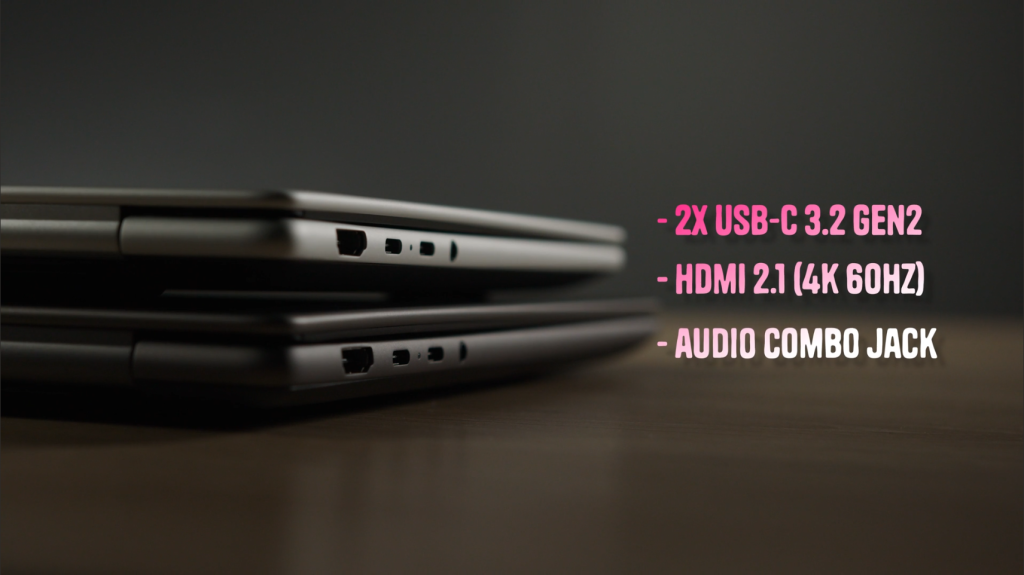
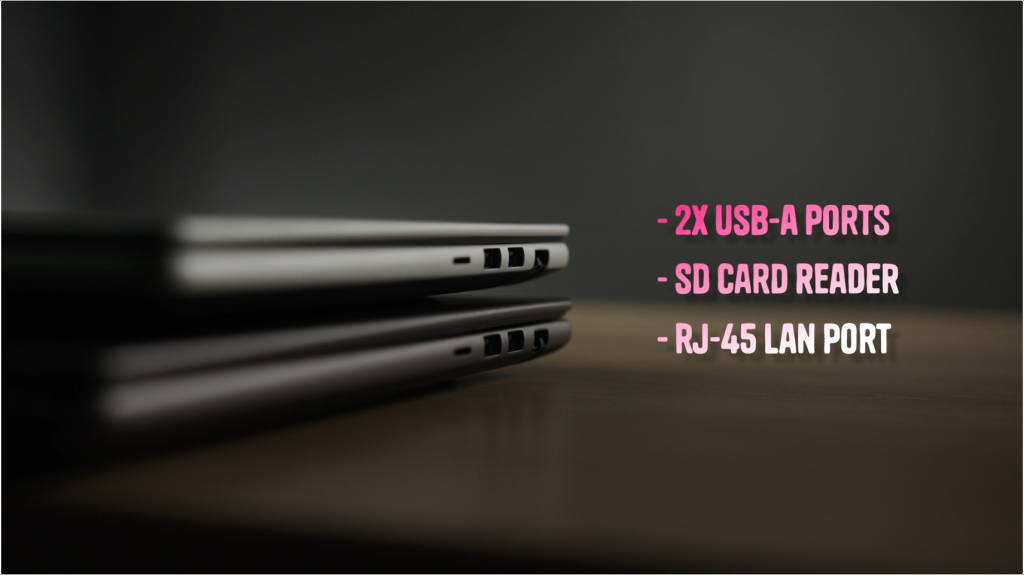
Connectivity is another area where both machines offer an identical and comprehensive setup. Each laptop includes two USB-C ports (USB 3.2 Gen 2 with Power Delivery 3.0 and DisplayPort 2.1), two USB-A ports, a full-size HDMI 2.1 output supporting 4K at 60Hz, a MicroSD card reader, a combo audio jack, and a crucial RJ45 Gigabit LAN port. The inclusion of a wired Ethernet port is a notable advantage for thin ultrabooks, as not all competitors offer this at a similar weight class. Wireless connectivity is handled by Wi-Fi 6E and Bluetooth 5.3. Both machines also support 65W Power Delivery fast charging through either USB-C port.
Battery Life: All-Day Endurance
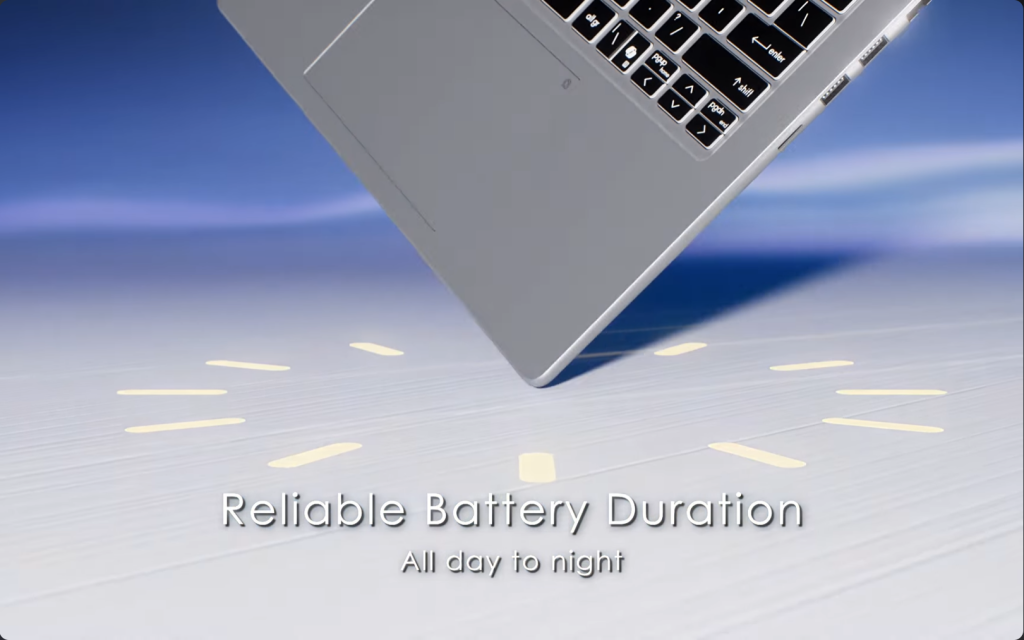
Both models are equipped with a 60Whr battery, a reasonable capacity for the efficiency-focused Core Ultra 7 355 processor. MSI’s Intel Panther Lake equipped machines are known for significantly improved battery longevity. With a chip designed for efficiency, users can expect a solid full workday of use from either laptop. The 65W PD adapter adds flexibility, allowing for convenient charging from any modern USB-C charger or dock.
Software and AI Integration: MSI Center S and Copilot Plus PC
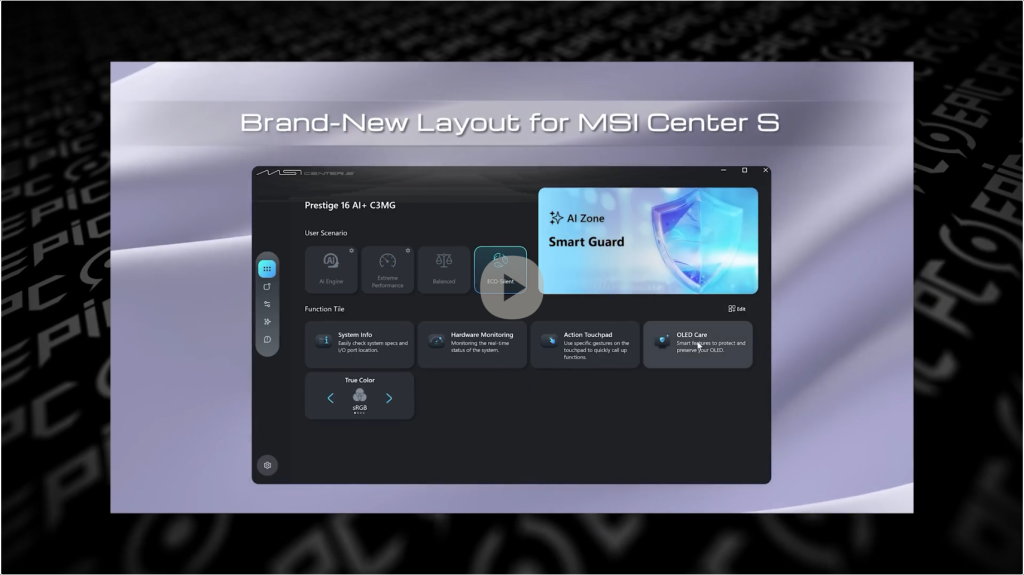
Both machines ship with MSI Center S, MSI’s dedicated system management utility tailored for the Modern series. This streamlined version, distinct from the gaming-oriented MSI Center, focuses on productivity, allowing users to manage performance profiles, monitor battery health, and adjust system behavior without unnecessary bloat. It provides valuable control over the machine’s balance of performance and power draw.
As Copilot Plus PCs, both laptops offer native access to Microsoft’s AI-powered features, including Recall, Cocreator in Paint, and live captions with real-time translation. Crucially, these features are processed locally on the NPU, ensuring enhanced privacy. A dedicated Copilot key on the keyboard provides quick access to these AI functionalities.
Both machines also feature an HD IR webcam with a physical privacy shutter, a dual microphone setup with Hi-Res Audio certification, and DTS audio processing through two 2W speakers. While not groundbreaking in audio output, the Hi-Res Audio certification and DTS tuning indicate MSI’s attention to the listening experience.
Conclusion: Choosing Your Modern Companion
Ultimately, the MSI Modern 16S AI+ and Modern 14S AI+ are two exceptionally refined ultrabooks, packed with features essential for modern productivity. The choice between them boils down to your personal workflow and portability needs.
If you are a frequent traveler, daily commuter, or simply prefer a more compact machine that effortlessly fits into a smaller bag, the Modern 14S AI+ is your ideal pick. It offers every hardware advantage of its larger sibling in a more portable footprint, a significant win for on-the-go professionals.
Conversely, if your work primarily involves a fixed desk environment, or if screen real estate is paramount for your productivity workflow, the Modern 16S AI+ provides that larger chassis experience without compromising on specifications. Both machines are highly recommended by Epic PC, with the caveat that you choose the one that best aligns with how and where you work.
MSI Modern 14S Ai+:https://au.msi.com/Business-Productivity/Modern-14S-AI-plus-G3MX
MSI Modern 16S Ai+:https://au.msi.com/Business-Productivity/Modern-16S-AI-plus-G3MX


Product Review Video
Please check the video below or subscribe our official Youtube channel for further video updates: